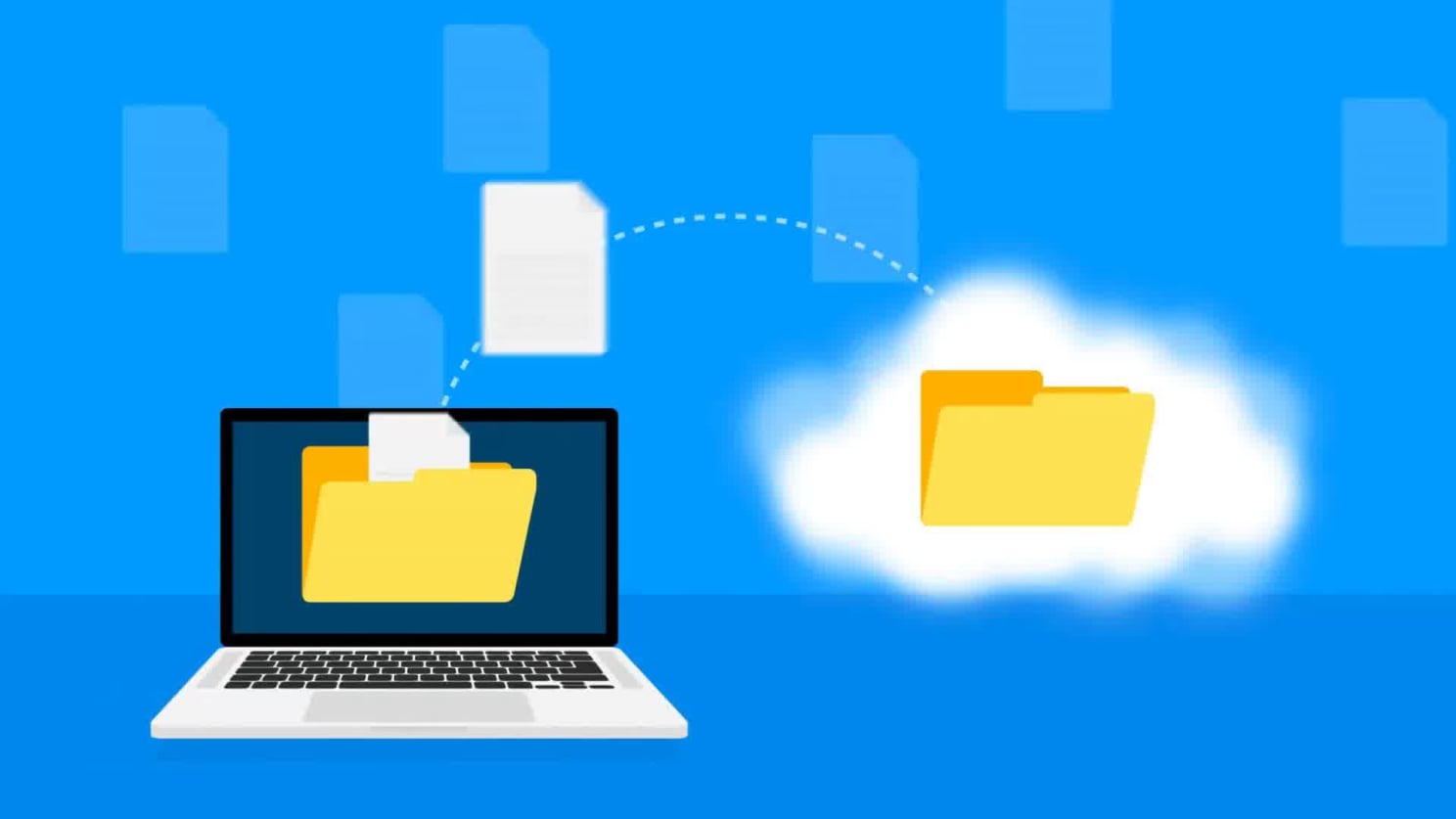
File transfers can be convenient, but moving information between computers also requires attention to security. FTP was developed at a time when network environments were very different from those of today, and traditional FTP does not provide the encryption expected from many modern communication methods. Understanding how secure transfers differ from basic file transfers is therefore an important part of learning about the filezilla program and the wider technology surrounding remote file management.
An ftp client acts as an interface between a local computer and a remote server. It sends requests, receives information, and manages files according to the permissions provided by the server. The security of this process depends on several elements, including the protocol being used, the authentication method, the server configuration, and the network through which communication takes place. The filezilla client can provide access to different connection methods, but users still need to understand which method is appropriate for a particular environment.
One of the first concepts to understand is the difference between traditional FTP and encrypted alternatives. Standard FTP does not encrypt communication in the same way as secure protocols. Depending on the circumstances, information exchanged during an unencrypted connection may be exposed to interception. For this reason, sensitive files and authentication information should not automatically be transferred through an ordinary FTP connection simply because an ftp client supports it.
The term filezilla ftp is often used when discussing the relationship between FileZilla and FTP-based file management. It is important to remember that FileZilla is an application, while FTP is a communication protocol. The security properties of a connection depend on the protocol and configuration selected. The filezilla client can serve as the interface, but the underlying connection determines how information is protected while it travels between the computer and the server.
Authentication deserves particular attention. A remote server may require a username and password before granting access to its directories. These credentials should be treated as confidential information and should not be entered into unfamiliar software or websites. A reliable file transfer workflow begins with knowing which server is being accessed and why the credentials are required. Users should also avoid sharing passwords through ordinary messages or storing them in insecure locations.
Software sources are another part of safe file transfer practices. People researching a filezilla download may encounter numerous websites that offer installers or software packages. Not every website using the name FileZilla is necessarily connected with the official project. A filezilla client download should therefore be obtained from a source that can be independently identified and verified. Downloading software from unfamiliar pages can introduce risks unrelated to FTP itself.
Search variations can make source verification more difficult. The spelling filezila is sometimes used instead of FileZilla, particularly in casual searches. Users may also encounter references to filezila com that appear to be associated with the software. A similar name does not establish that a website is official. Checking the actual domain, publisher information, software description, and other available details is a sensible precaution before installing any application.
Keeping software current is another useful security practice. Developers may release updates that address defects, improve compatibility, or respond to security concerns. An outdated filezilla client may not provide the same functionality or protections as a current release. This does not mean that every update is automatically necessary for every environment, but users should understand the importance of maintaining software responsibly and obtaining updates through trustworthy channels.
Server permissions also have a major role in security. A remote account should generally have only the access required for its intended purpose. If an account has unnecessary permission to modify or remove large numbers of files, an accidental action can have wider consequences. The filezilla client can make remote file operations easy to perform, which is useful but also means that users should verify the selected directory and filenames before making changes.
Careful directory management is especially important when working with production systems. Remote folders may contain configuration files, website content, backups, or other important information. Uploading a file to the wrong location or deleting an item unintentionally can disrupt a system. An ftp client provides convenient access, but convenience should not replace careful verification. Before confirming a significant operation, users can check the remote path, filename, and intended action.
Networks also affect security. Connecting through an unfamiliar or untrusted network can expose additional risks, particularly when the selected protocol does not provide strong encryption. Secure connection methods can reduce some of these concerns, but users should still consider the environment in which file transfers take place. The safest approach depends on the sensitivity of the information, the capabilities of the server, and the security requirements of the particular situation.
File integrity is another consideration. A successful transfer does not necessarily mean that a file is the correct version or that it was intended for the selected destination. When working with important data, users may benefit from verifying filenames, sizes, timestamps, or checksums where appropriate. The filezilla program can show transfer information, but additional verification may be useful for critical files. This is especially relevant when moving software packages, backups, or other data where accuracy matters.
Backups can provide another layer of protection. Even careful users can make mistakes when working with remote directories. Having an independent copy of important information can reduce the impact of accidental deletion or overwriting. An ftp client should therefore be treated as one component of a broader file management process rather than as a replacement for backups or other recovery measures.
Safe downloading requires similar caution. A filezilla download search can produce results from different sources, and users should distinguish between information about the application and the actual software distribution. The phrase filezilla client download may appear on pages with different purposes. Checking the source before downloading helps reduce the possibility of installing modified or unwanted software. This principle applies equally to searches containing filezila or filezila com.
Good security practices are ultimately about understanding the entire transfer process. The application, protocol, server, credentials, network, permissions, and files all contribute to the overall level of safety. Focusing on only one element can create a false sense of security. Learning what an ftp client does and how a filezilla client communicates with a server gives users the background needed to make more informed decisions.
For beginners, the most important lesson is that convenience and security should be considered together. The filezilla program can simplify remote file management, but users remain responsible for choosing appropriate connection methods, protecting credentials, verifying sources, and checking important operations. Understanding filezilla ftp terminology and the distinction between encrypted and unencrypted communication makes it easier to recognise potential risks.
Whether someone is researching filezilla download information, evaluating an ftp client, or learning about remote file management for the first time, safe habits are more valuable than memorising a particular procedure. A filezilla client can make transfers visible and manageable, but secure file handling depends on decisions made before, during, and after each connection. By approaching FTP with an awareness of authentication, encryption, permissions, software sources, and data integrity, users can better understand both the benefits and limitations of networked file transfer.